Snake Game
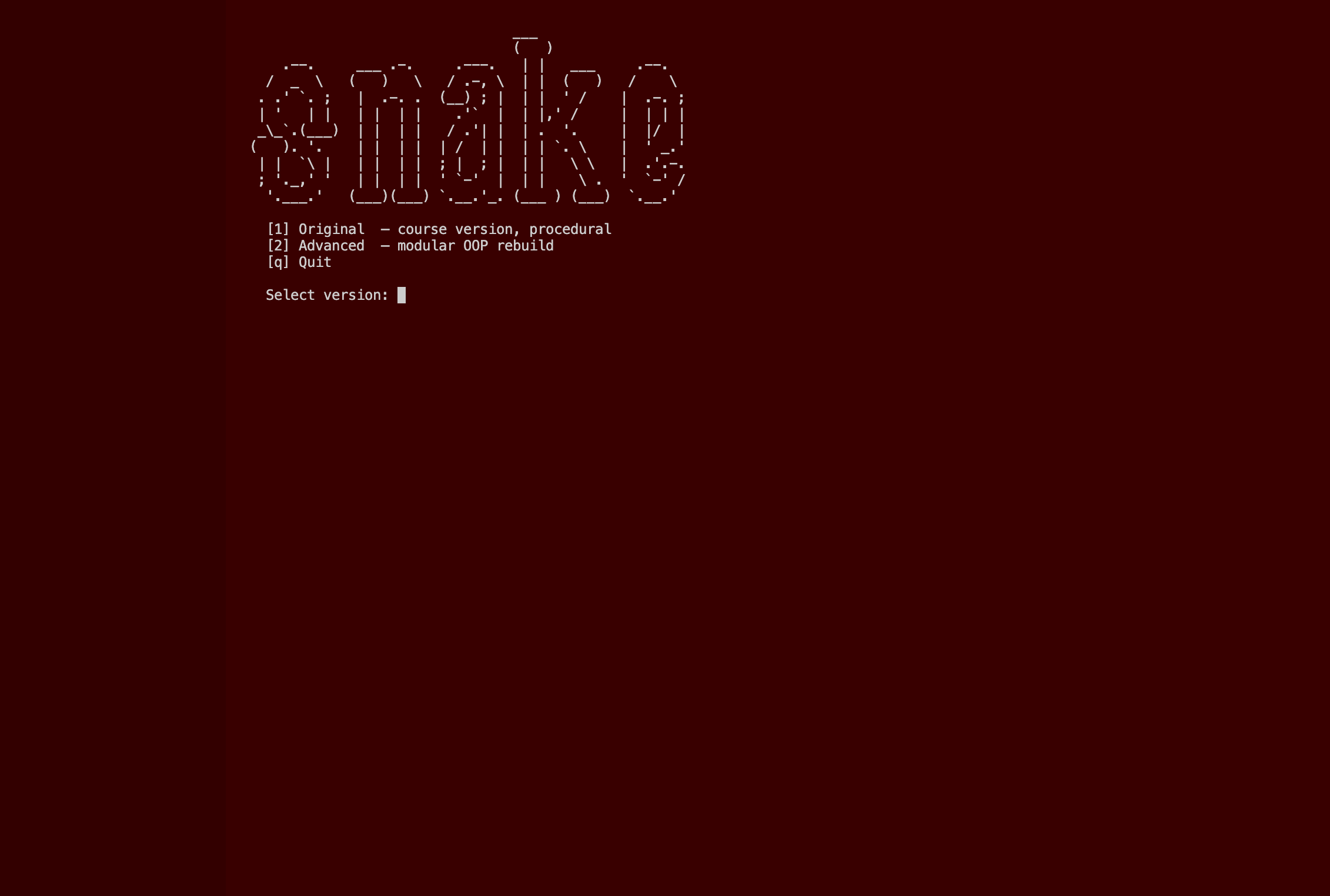
This project is a two-version implementation of the classic Snake game, built as part of 100 Days of Code (Day 24). The original version stays close to the course state for reference, while the advanced version is a full modular OOP rebuild where logic, rendering, and I/O are cleanly separated. A shared terminal menu with ASCII art lets you pick which version to launch, and it loops back automatically when the game exits.
Overview
Problem
Most course implementations of Snake are monolithic scripts that mix rendering, game logic, and I/O in a single file. When you revisit the code later it's hard to understand, extend, or isolate any individual part. There's also no persistence — your high score vanishes every session — and no real UX: the game just drops you back to the terminal when it ends with no feedback. The course solution works, but it doesn't feel like a finished piece of software.
Solution
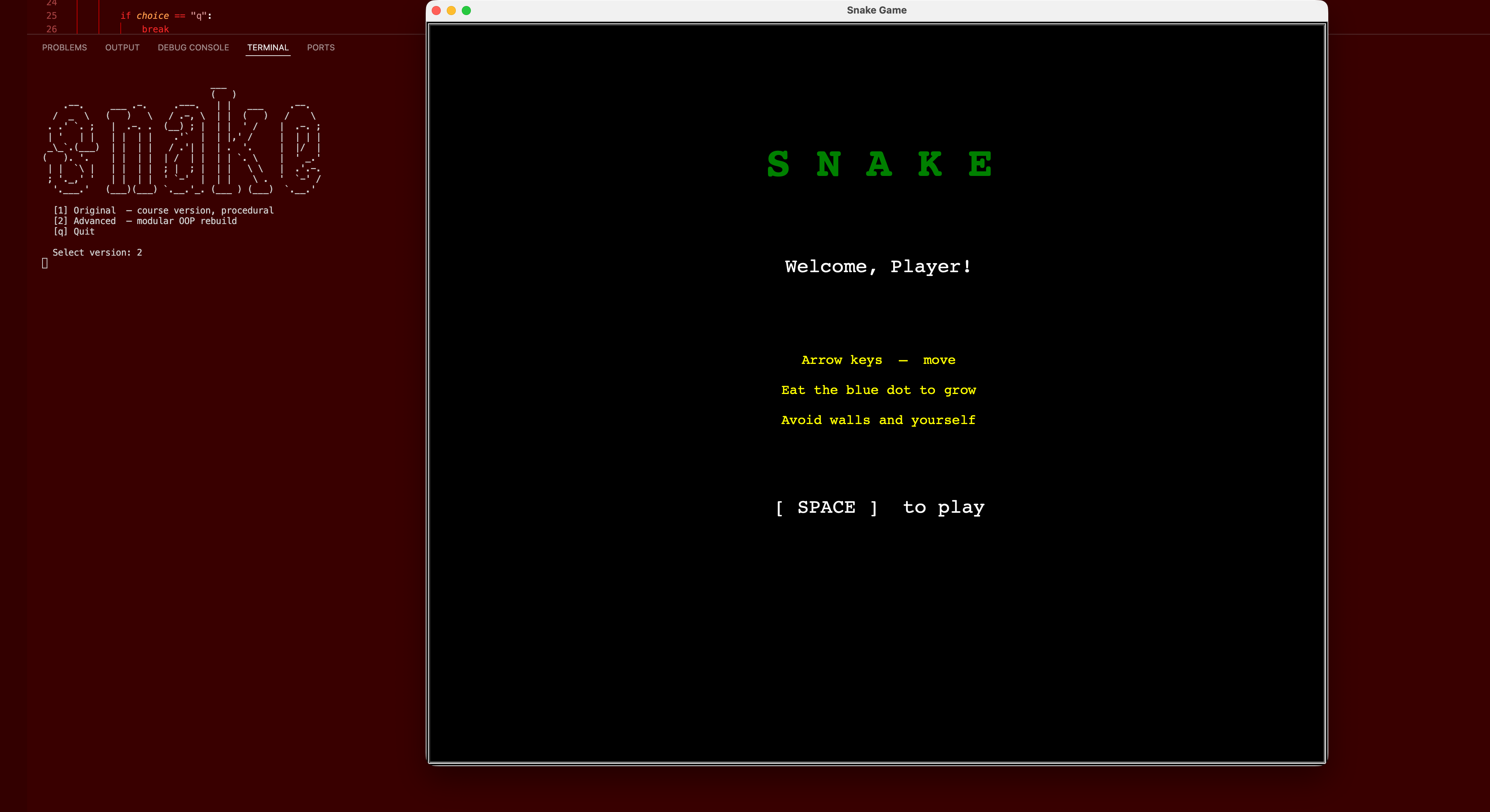
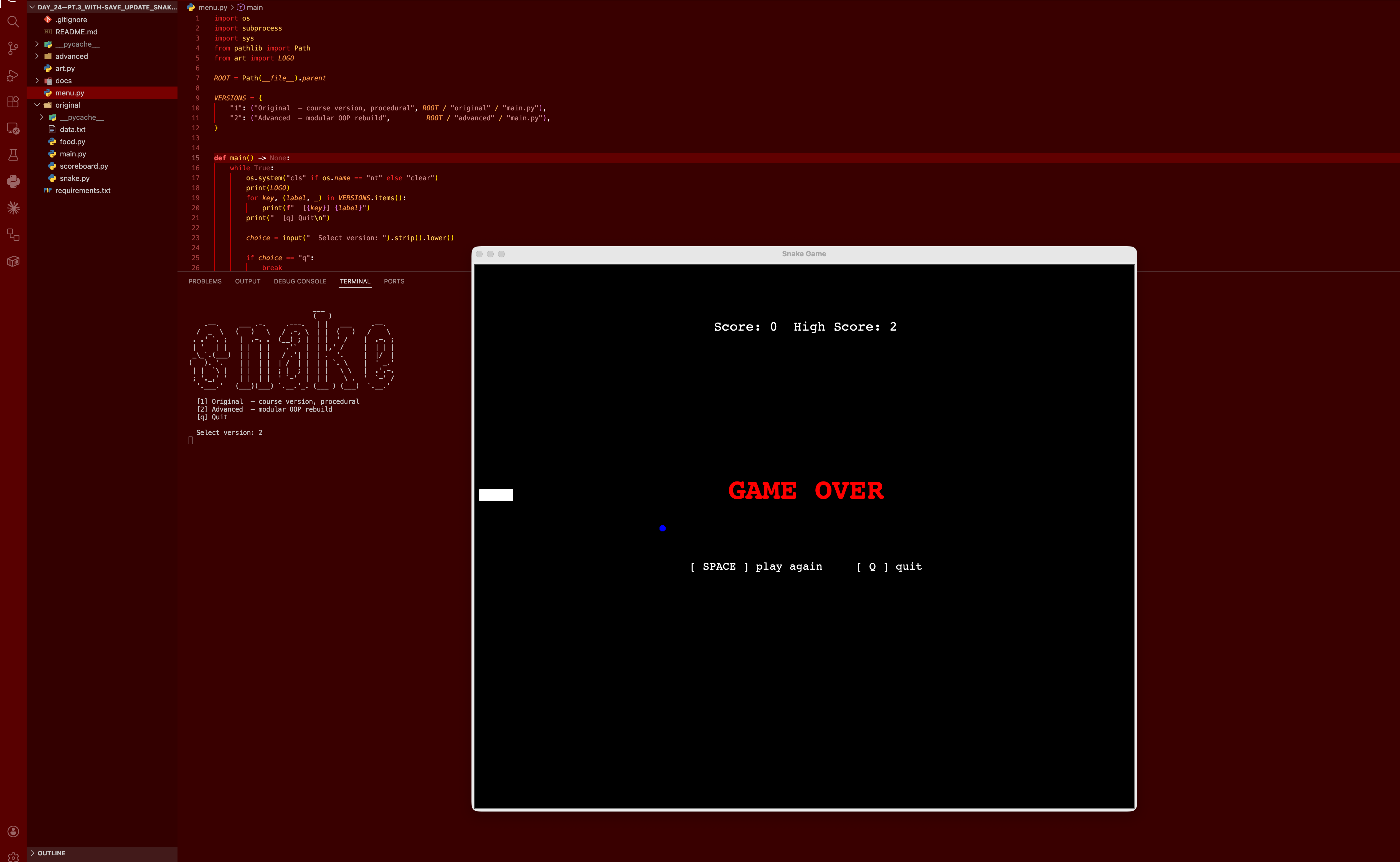
I built two versions side by side under a shared terminal menu launcher. The original stays close to the course state for honest reference. The advanced version separates concerns cleanly: paddle and food logic live in their own files with zero UI imports, display.py owns all turtle rendering including a line-by-line animated welcome screen and a frozen game-over overlay, scores.py handles file I/O for persistent high scores, and config.py centralises every constant. The root menu.py launches either version via subprocess with the correct working directory, clears the console, and loops back automatically when the game exits.
Challenges
The trickiest part was the game-over UX. Turtle's event loop and the main game loop don't play nicely together — you can't just block waiting for a keypress without either freezing the window or spinning the CPU. The solution was a polling approach: set a flag via screen.onkey(), then loop with time.sleep(0.05) and screen.update() until the flag flips. That same pattern powers the welcome screen. Another subtle issue was making sure the food dot is hidden during the welcome screen but properly restored before gameplay starts — easy to overlook, immediately obvious if missed.
Results / Metrics
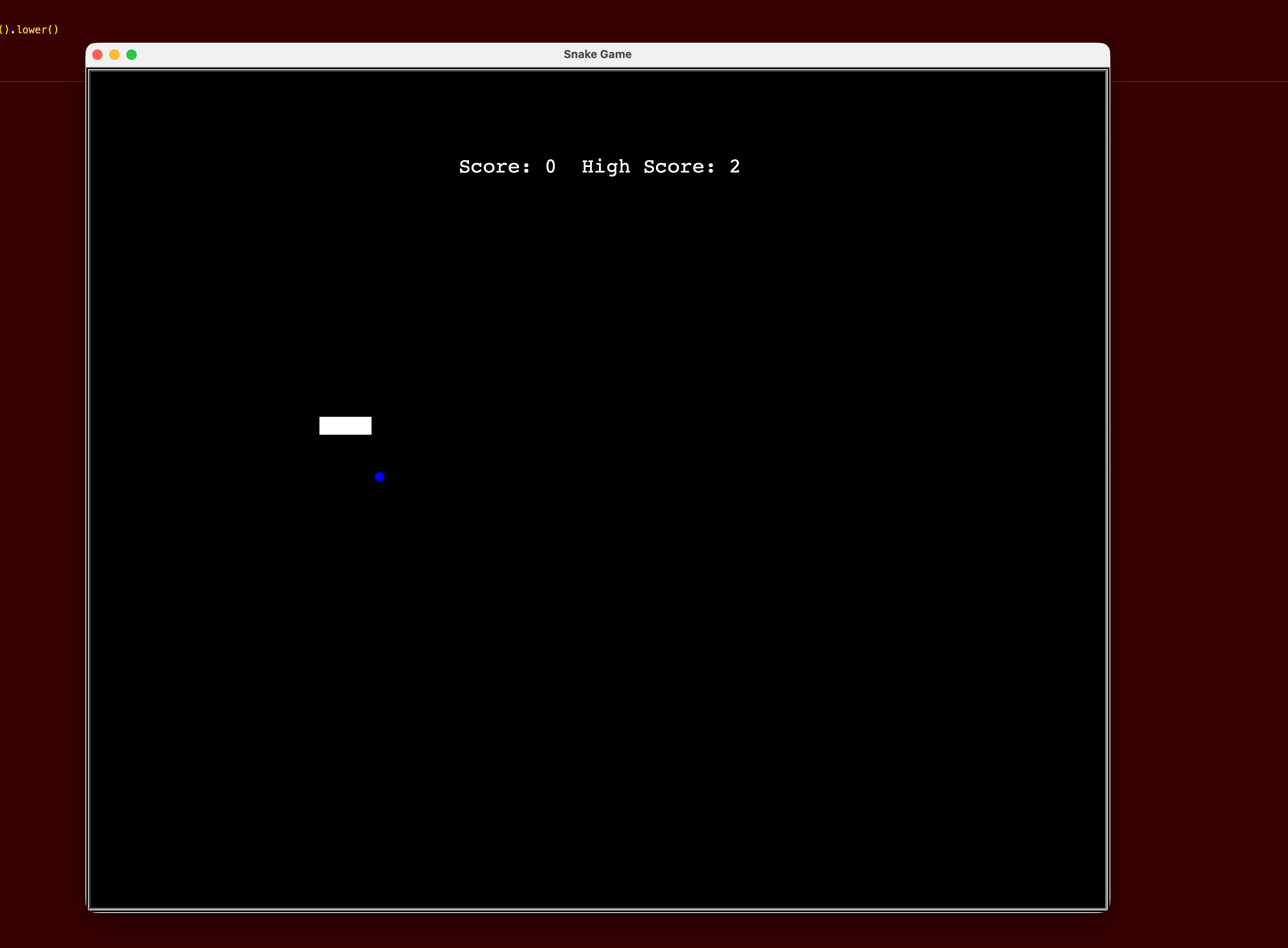
The project shows that even a small, well-understood game becomes significantly more readable and extensible when layered properly. I got solid practice separating logic from presentation, managing turtle's event model without blocking, and building terminal UX that feels intentional. The modular architecture means any layer — physics, rendering, scoring — can be swapped or extended without touching the others. If I extended this further, I'd add difficulty levels via increasing speed and a proper top-5 leaderboard rather than a single persisted score.
Screenshots
Click to enlarge.
Click to enlarge.